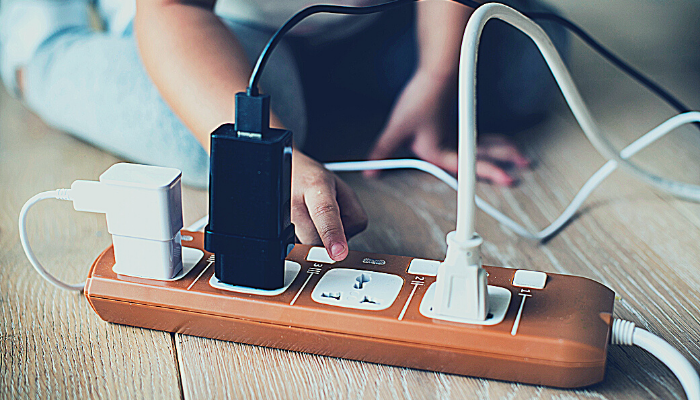
The digital working environment within your organization has long moved beyond computers, laptops and phones. Devices such as printers, cameras, telephone systems, payment terminals and meeting room screens may also be connected to the same network.
Many of these devices function in the background. They are installed, do their job, and then often fade into the background. This is precisely why they can become a blind spot: they are connected, but are not always actively monitored, updated, or managed.
Overview as a starting point
Good device management does not start with complicated software, but with clear overview. That is why it is important to regularly identify which devices are connected to your organization’s network. You do not need to be a technical specialist to take a first step. In many cases, simply walking through the organization and noting which devices are switched on and connected can already provide useful insight.
A device can function properly and still present a risk. Think of a printer with a default password, a telephone system that is not monitored periodically, or a camera with software that has not been updated for years.
Consequences for digital security
When devices are not properly accounted for, this can compromise the digital security of your entire organization. This can affect the availability of your network if internal systems go offline, the confidentiality of data if customer or organizational information is accidentally exposed, and the integrity of your systems, since unpatched software becomes increasingly vulnerable over time.
Network-connected devices therefore require attention not only during installation, but throughout their entire lifecycle. Proper management relies on regular checks and clear agreements.
7 practical steps for managing connected devices
These 7 basic measures can limit unnecessary risks:
- Identify which devices are connected to your organization’s network.
- Define who is responsible:
Determine for each device or category which department, department head or external party is responsible for its management, periodic checks and any necessary follow-up actions. - Update software and check settings:
Periodically check whether software needs to be updated and whether settings still match the current use of the device. - Manage passwords and access rights:
Change default passwords and revoke access for users who no longer need it, for example after a role change, transfer or departure. - Monitor whether devices are still functioning properly:
Actively check whether important devices are still accessible, functioning and showing no signs of malfunction, ageing or unreliability. - Make agreements about depreciation and replacement:
Document when devices should be depreciated, replaced or removed from the network. Devices that are no longer secure, reliable or necessary should not remain connected unnecessarily. - Set a policy for destroying data in old devices:
Make sure data storage media in old devices are securely destroyed before the devices are disposed of.
These practical measures are not a one-time checklist. Review them regularly, for example annually or whenever a new device is connected. A device that is secure and necessary today may no longer be so a year from now.
(Sources: RAC, Caricert. RAC publication period: 2026)
Related Publications

Tariff adjustment fuel prices as per 30 January 2018

RKCS Starting Conference: ICT and media savviness learning process for the education sector